Built for Fire TV Stick's tight storage
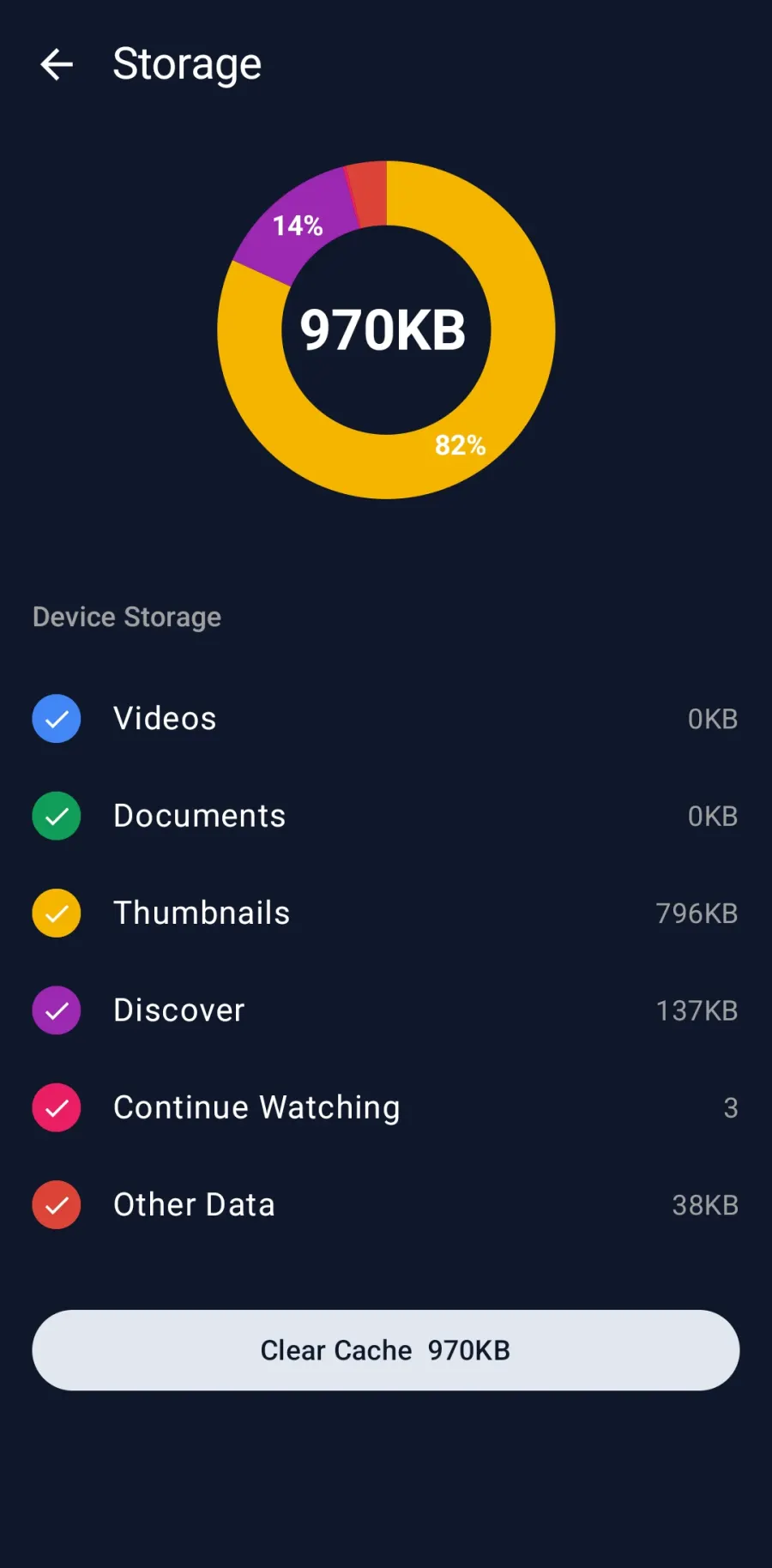
Entry-level Fire TV Sticks ship with only a few gigabytes of usable storage, and it fills up fast once apps, their caches and a couple of downloaded videos are on the device. A single Telegram video shared in a channel can be several gigabytes on its own.
Echogram streams instead of downloading. It plays the video as it arrives and clears the cached data afterwards, so a multi-gigabyte MKV plays on a Fire TV Stick without a storage warning, and without you having to manage space at all.
On the Amazon Appstore, not sideloaded
Echogram is published on the Amazon Appstore, the store that comes preinstalled on every Fire TV device. Search for it directly on your Fire TV or Fire TV Stick and install it like any other app, no sideloading, no enabling unknown sources, and no Google Play Services, which Fire OS does not include.
A real media player, not just a browser window
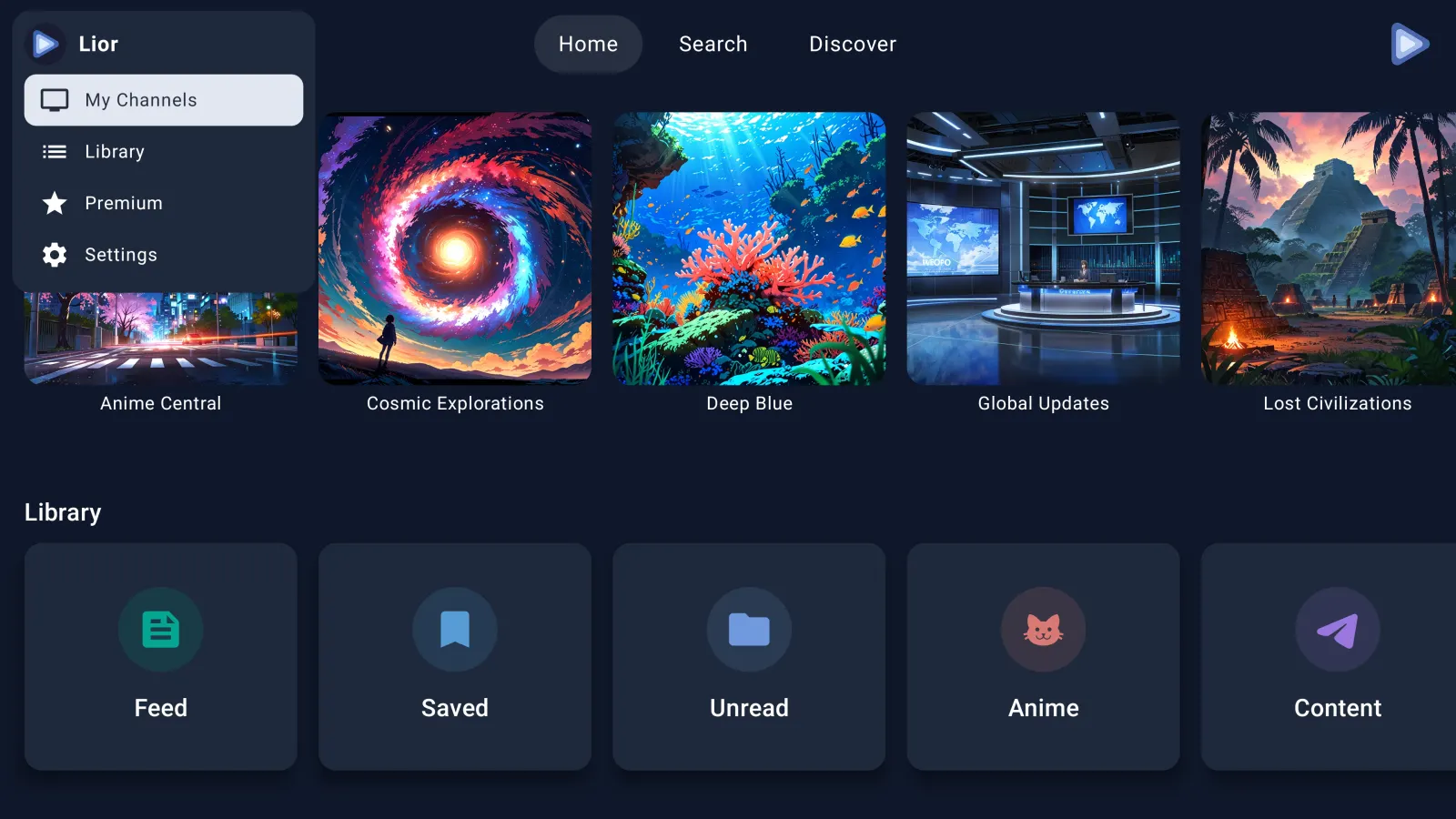
Once installed, Echogram plays Telegram videos with a full media-player engine: direct MKV playback, switchable embedded audio tracks, and subtitle selection and styling, all navigated with your Fire TV remote or Alexa Voice Remote. It runs on Fire TV Stick, Fire TV Stick 4K, Fire TV Stick 4K Max, Fire TV Cube, and Fire TV Edition smart TVs.
Fire TV & Fire Stick FAQ
Is there a Telegram app for Fire TV or Fire Stick?
Telegram does not publish an app for Fire TV. Echogram is a third-party Telegram video player with a native Fire OS app, available directly on the Amazon Appstore, that signs in with your own Telegram account and plays the videos from your chats and channels.
Does Echogram work with the Fire TV Stick's limited storage?
Yes. Entry-level Fire TV Sticks ship with very little usable storage, and large Telegram videos can fill that up in one file. Echogram streams each video and clears the cached data afterwards, so multi-gigabyte MKV files play without permanently using your Fire TV Stick's storage.
Do I need Google Play Services on Fire TV?
No. Fire OS does not include Google Play Services, and Echogram does not require it. It installs and runs like any other native Fire TV app from the Amazon Appstore.
Which Fire TV devices does Echogram support?
Fire TV Stick, Fire TV Stick 4K, Fire TV Stick 4K Max, Fire TV Cube, and Fire TV Edition smart TVs with Fire TV built in.
How do I install Echogram on my Fire TV?
Open the Amazon Appstore on your Fire TV or Fire TV Stick, search for Echogram, and select Get or Download. No sideloading is required.
Can I use the Fire TV remote and Alexa Voice Remote with Echogram?
Yes. Echogram's interface is built for D-pad and remote navigation, including the Alexa Voice Remote that ships with most Fire TV devices. It also works on Android TV and Apple TV with the same big-screen design.